
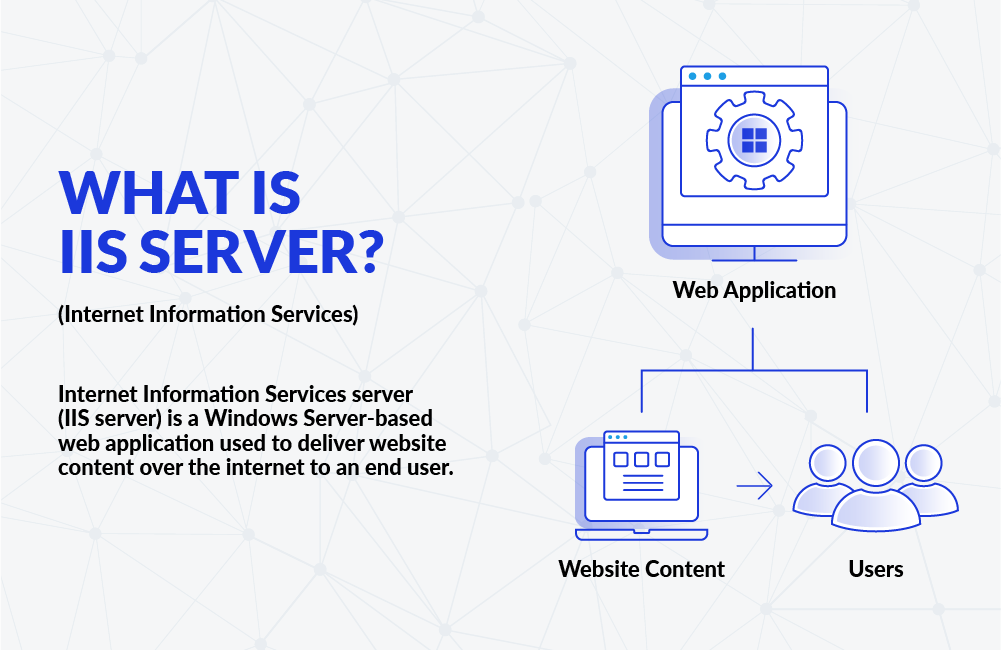
Internet Information Services (IIS) is a web server software developed by Microsoft for hosting and serving websites, web applications, and other content on the World Wide Web. IIS is an integral component of the Windows Server operating system and is designed to work seamlessly with other Microsoft technologies. It provides a robust and scalable platform for hosting websites and web services.
Key Features of IIS:
- Web Server Functionality:
- IIS functions as a web server, handling HTTP and HTTPS requests from clients (such as web browsers) and serving web pages and other content in response.
- Support for Dynamic Content:
- IIS supports dynamic content generation through various technologies, including ASP.NET, PHP, and others. It enables the execution of server-side scripts to generate dynamic web pages.
- Integration with ASP.NET:
- IIS is closely integrated with Microsoft’s ASP.NET framework, allowing developers to build and deploy powerful web applications using .NET technologies.
- Security Features:
- IIS includes robust security features to protect web applications and data. This includes authentication mechanisms, access control, and support for Secure Sockets Layer (SSL) encryption.
- Scalability:
- IIS is designed to be scalable, allowing administrators to configure and manage multiple web servers to handle increasing traffic or distribute the load across a server farm.
- Management Tools:
- IIS provides management tools, including the Internet Information Services (IIS) Manager, which allows administrators to configure and administer the web server, set security policies, manage sites, and monitor server performance.
- FTP Server:
- IIS includes a built-in FTP (File Transfer Protocol) server, allowing users to upload and download files to and from the server.
- Logging and Monitoring:
- IIS logs events and performance data, providing administrators with insights into server activity, error tracking, and resource usage.
- IIS logs events and performance data, providing administrators with insights into server activity, error tracking, and resource usage.
How IIS Works:
- Request Processing:
- When a user makes a request to a website hosted on an IIS server, IIS processes the HTTP or HTTPS request. It determines the appropriate action based on the requested URL and other parameters.
- Site Configuration:
- IIS is configured to host one or more websites, each identified by a unique combination of IP address, port number, and host header. The server matches the incoming request to the appropriate site based on these configurations.
- Application Pools:
- IIS uses the concept of application pools to isolate and manage web applications. Each application pool runs independently, providing better security and performance isolation. Applications within the same pool share a common set of resources.
- Processing Dynamic Content:
- If the requested content is dynamic, IIS hands over the request to the associated web application framework, such as ASP.NET or PHP, to generate the dynamic content.
- Authentication and Authorization:
- IIS performs authentication and authorization checks to ensure that the user has the necessary permissions to access the requested resource.
- SSL Encryption:
- If the website is configured for secure connections (HTTPS), IIS handles the SSL encryption and decryption process, securing the communication between the client and the server.
- Response Generation:
- After processing the request and ensuring authentication and authorization, IIS generates the appropriate HTTP response and sends it back to the client.
- Logging and Monitoring:
- IIS logs various events and metrics related to server activity, errors, and performance. Administrators can use these logs for troubleshooting and monitoring server health.
- IIS logs various events and metrics related to server activity, errors, and performance. Administrators can use these logs for troubleshooting and monitoring server health.
Benefits of an IIS Web Server
IIS offers a range of features that make it a compelling choice for hosting web applications.
- IIS is rich with features. Most commonly, IIS is used to host ASP.NET web applications and static websites. It can also be used as an FTP server, host WCF services, and be extended to host web applications built on other platforms such as PHP.
- There are built-in authentication options such as Basic, ASP.NET, and Windows auth. The latter is useful if you have a Windows Active Directory environment—users can be automatically signed into web applications using their domain account. Other built-in security features include TLS certificate management and binding for enabling HTTPS and SFTP on your sites, request filtering for whitelisting or blacklisting traffic, authorization rules, request logging, and a rich set of FTP-specific security options.
- Application pools. We’ll have to take a closer look at the application pool, as it’s a critical component of the IIS process model.
- Remote management. IIS can also be managed via the CLI or using PowerShell. You can script everything, which is great if you like the power that comes with being able to do so.
By now, you should have a good impression about the configurability and versatility of IIS. You should also be aware that it can be extended to serve (pun intended) many purposes besides hosting ASP.NET apps. Through extension, IIS becomes a highly versatile and stable web server for the Windows platform. Let’s take a look at how to install IIS on Windows 10. (The same process applies to Windows 7 and 8.)
IIS plays a crucial role in the Microsoft web server ecosystem, providing a reliable and feature-rich platform for hosting web applications and websites on Windows servers. It’s widely used in enterprise environments and is known for its seamless integration with other Microsoft technologies.